Field relations in Models have been improved, among other things by now being able to draw arrows in the diagram. The help function with quick links to the manual is no longer limited to Catalog, but is now also available in Terms, Workbench, Models and Admin. It is also now possible to select layers in map visualizations of datasets in Catalog.
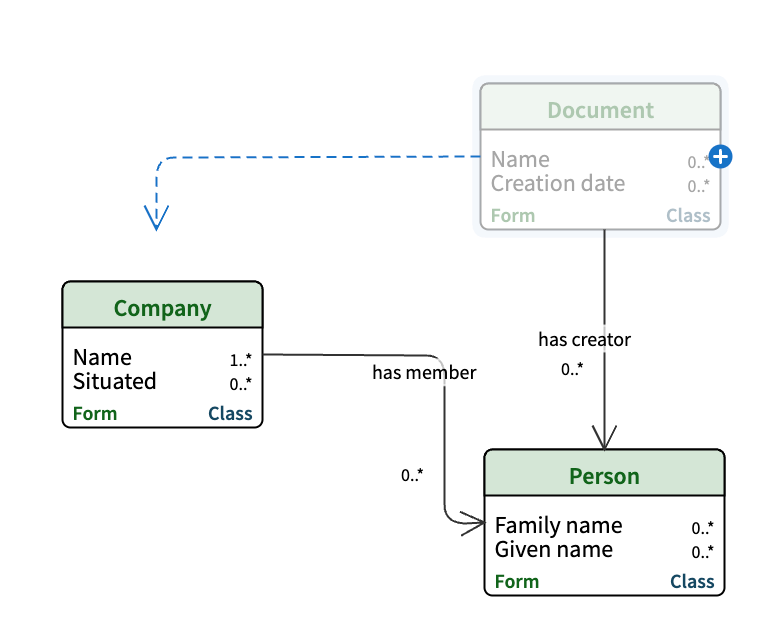
Improved field relations in Models
Inline fields and lookup fields are being renamed to field relations, and it is now possible to draw arrows representing these field relations directly in the diagram. There are also three new menu options for editing fields in the diagram view.
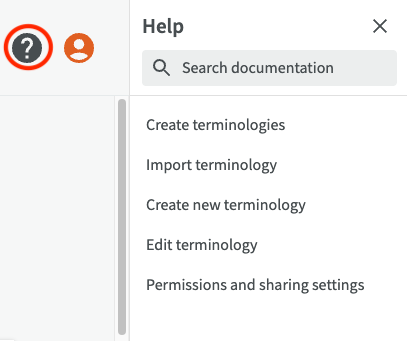
Help function now available in more modules
The help function with quick links to the manual, previously only available in Catalog, is now also built into Terms, Workbench, Models and Admin. Just click the question mark to open the side panel.
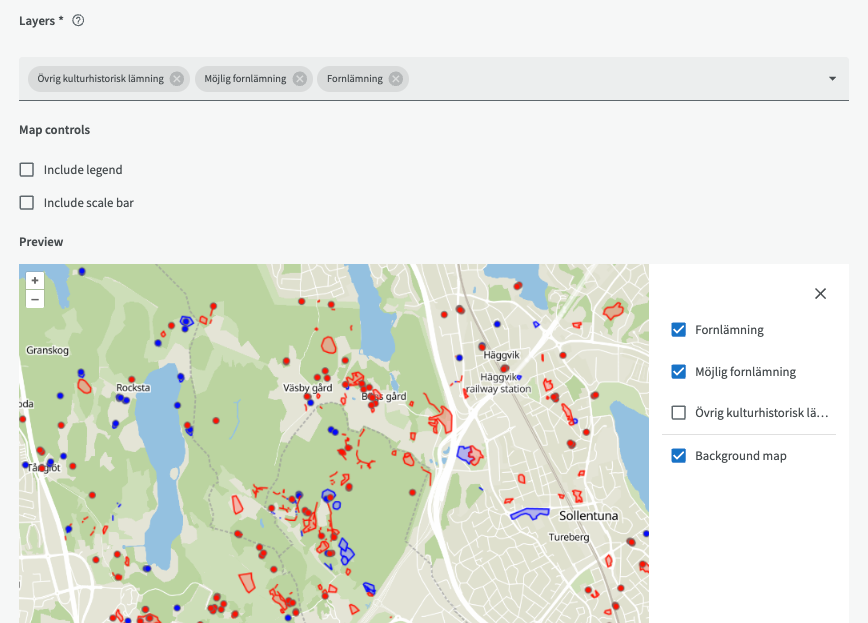
Select map layers in visualizations
You can select which map layers you want to include in your map visualization of datasets in Catalog. The layers will have the same appearance as in the WMS service.
More improvements
- The external service with place names (Geonames) has been replaced by MetaSolutions’ own place name service in EntryScape
- Improvements to edit options, preview of forms and fields, and edit attributes in the side panel in Diagrams
- Web address of a resource now fully visible in the detailed information, under the “About” tab